
You're busy running your business. The last thing you need is another complicated system to learn. That's why we built QRSpin to be ridiculously simple—most business owners get their entire loyalty program up and running in under 20 minutes.
Here's exactly what you'll do to get started. No technical jargon, no overwhelming steps. Just five straightforward actions that'll have you rewarding loyal customers by the end of today.
Connect Your Business
Takes about 2 minutes
This is the easiest step. Just enter your Google Business listing phone number. That's it.
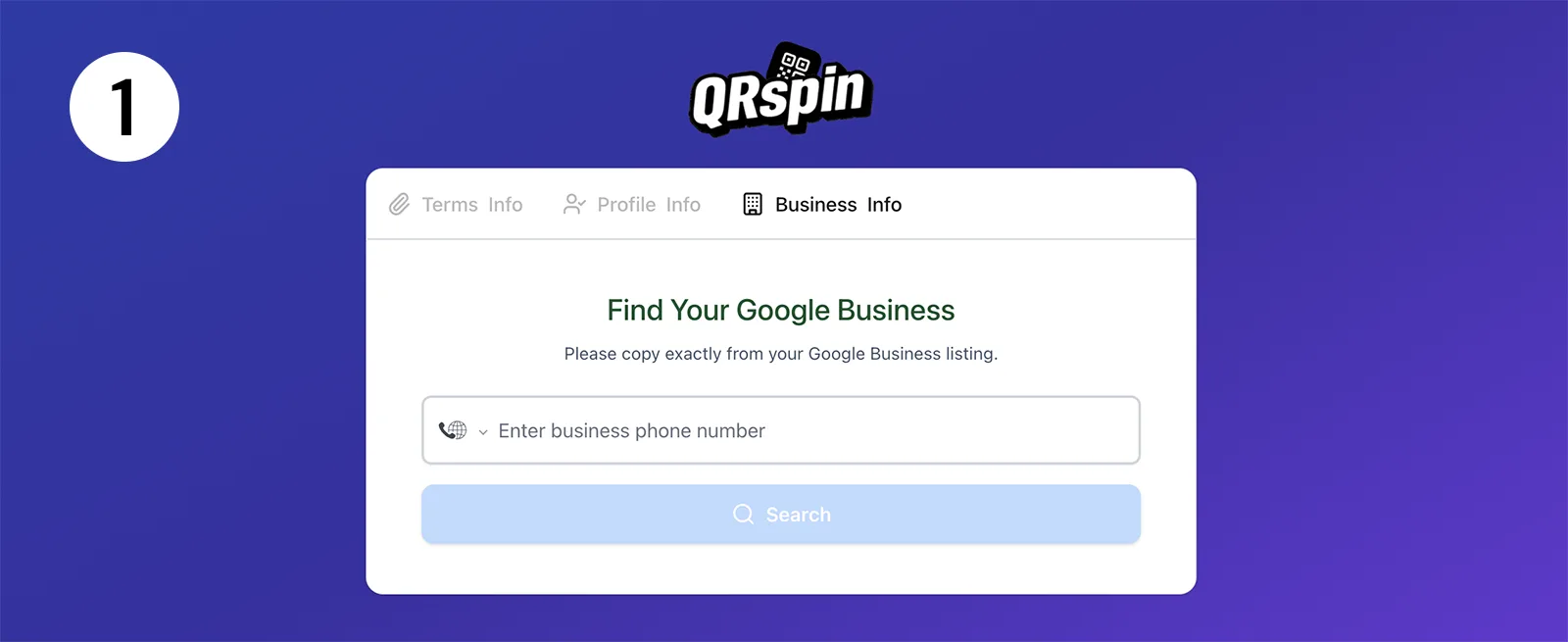
We'll automatically pull in your business name, photos, location, Google review link, and description. Your profile is created instantly—no tedious form-filling. You can tweak things later if you want, but honestly, most owners just leave it as-is and move on.
Design Your Welcome Reward
Takes about 5 minutes
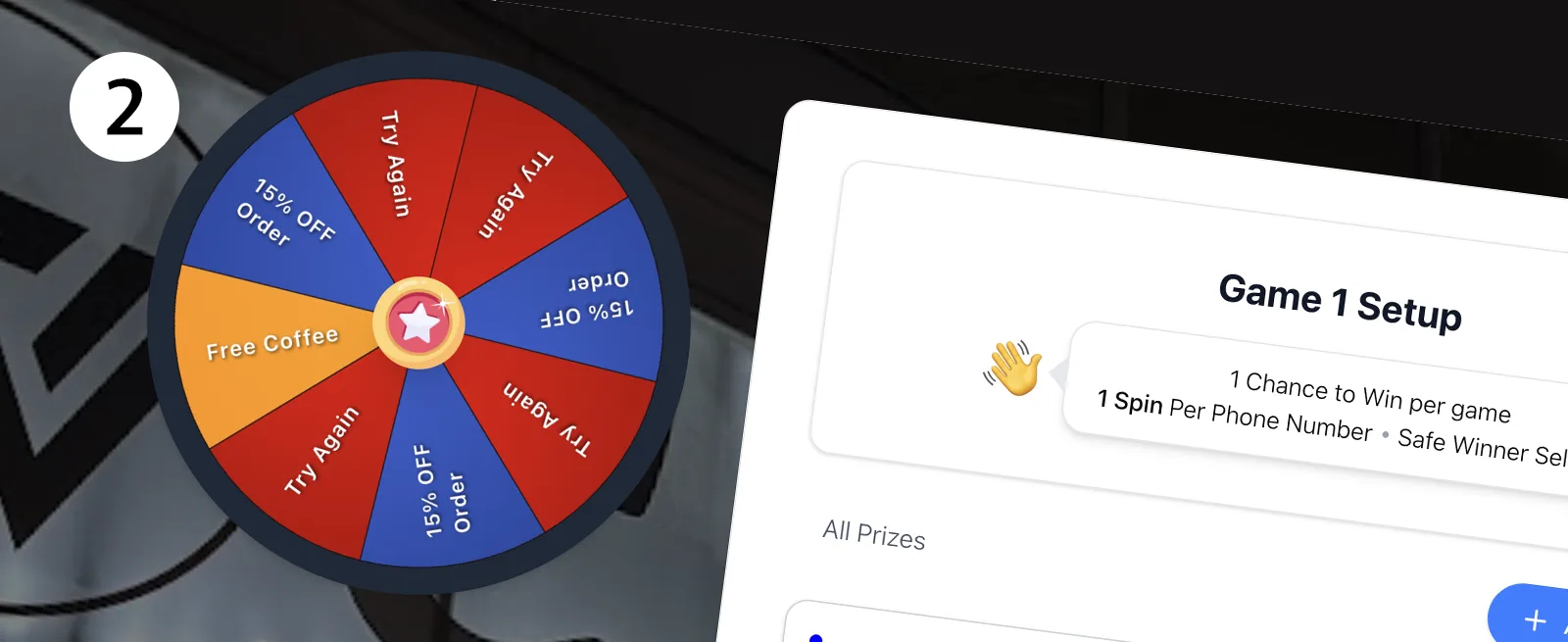
Now for the fun part: deciding how new customers win their first reward. You've got two options—a spin wheel or a scratch card. Both are digital, both are exciting, and both get people talking about your business.
Pick your prizes. Maybe it's a free coffee, 10% off their next visit, or a complimentary appetizer. You're in complete control of what you give away and how often.
Set your limits: 2 prizes per day, 5 per week, or 1 per month—whatever makes sense for your business. Change these anytime you want. We track everything automatically, so you'll never accidentally give away more than you intended.
Pro tip from other owners: Start conservative with your limits. You can always increase them later once you see how customers respond.
Create Your Digital Stamp Card
Takes about 5 minutes
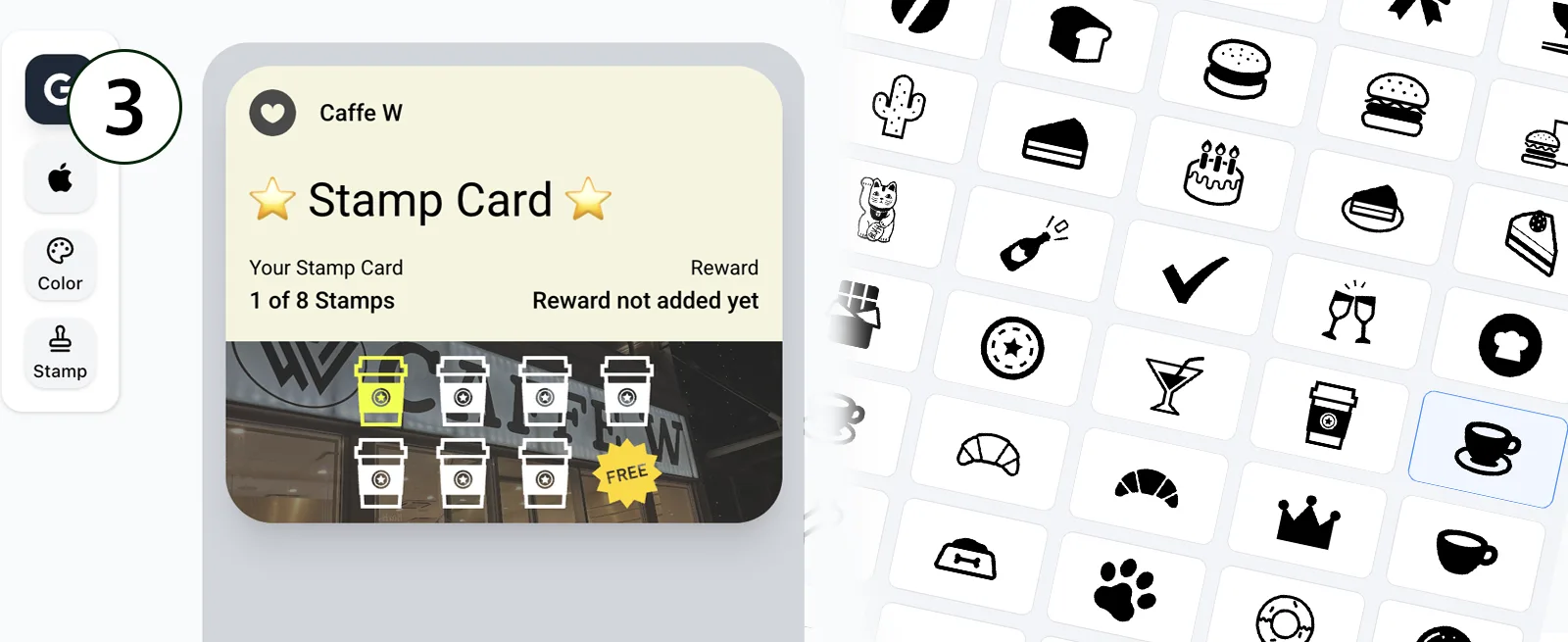
This is where your loyalty program really becomes yours. Design a stamp card that matches your brand—choose your colors, add your logo, pick stamp icons that feel right for your business.
No design skills needed. The interface is point-and-click simple, with instant previews so you can see exactly how it'll look on your customers' phones.
Here's the cool part: we automatically create both Apple Wallet and Google Wallet versions. Your customers just save it to their phone like a concert ticket or boarding pass. It lives right there in their wallet—they see it every time they open their phone to pay.
Get Your QR Code
Takes about 2 minutes
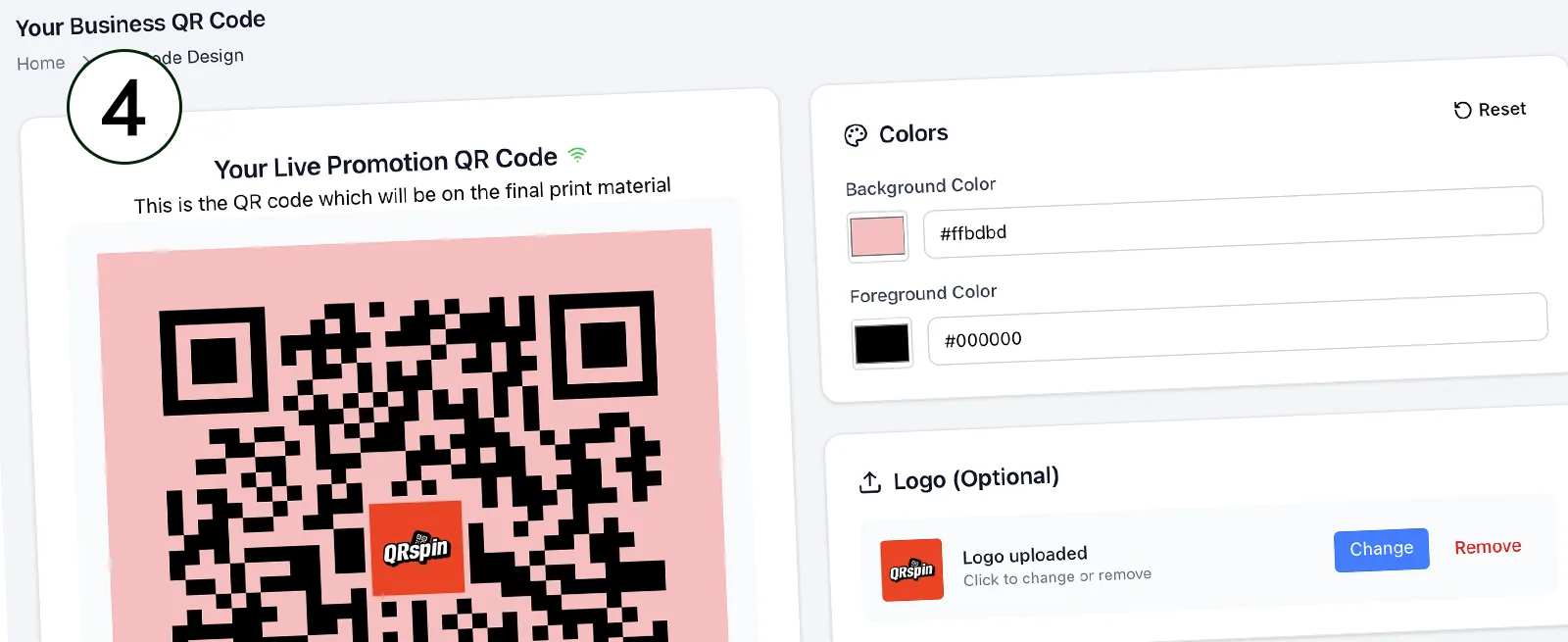
Download your personalized QR code. We can customize the colors to match your brand and even add your logo in the center.
Print it out and put it where customers will see it: on your counter, in table tents, on receipts, or at the entrance. When they scan it with their phone, they're instantly enrolled in your loyalty program. No app downloads, no account creation, no friction.
Most owners print a few: one for the counter, one for the window, and a few smaller ones for table tents. The setup file works with any printer.
Get Your Staff NFC Cards
Shipped free to your door
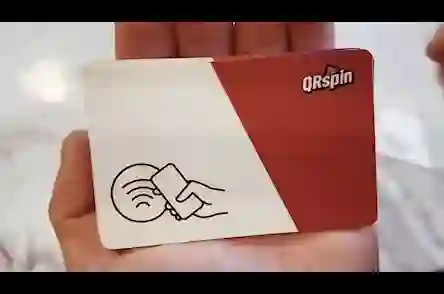
We mail you 3 free NFC tap cards. These are what your staff will use to give out stamps—no apps to download, no passwords to remember, no training videos to watch.
Here's how simple it is: customer makes a purchase, your staff taps their phone with the card. Done. The stamp appears instantly on their digital loyalty card.
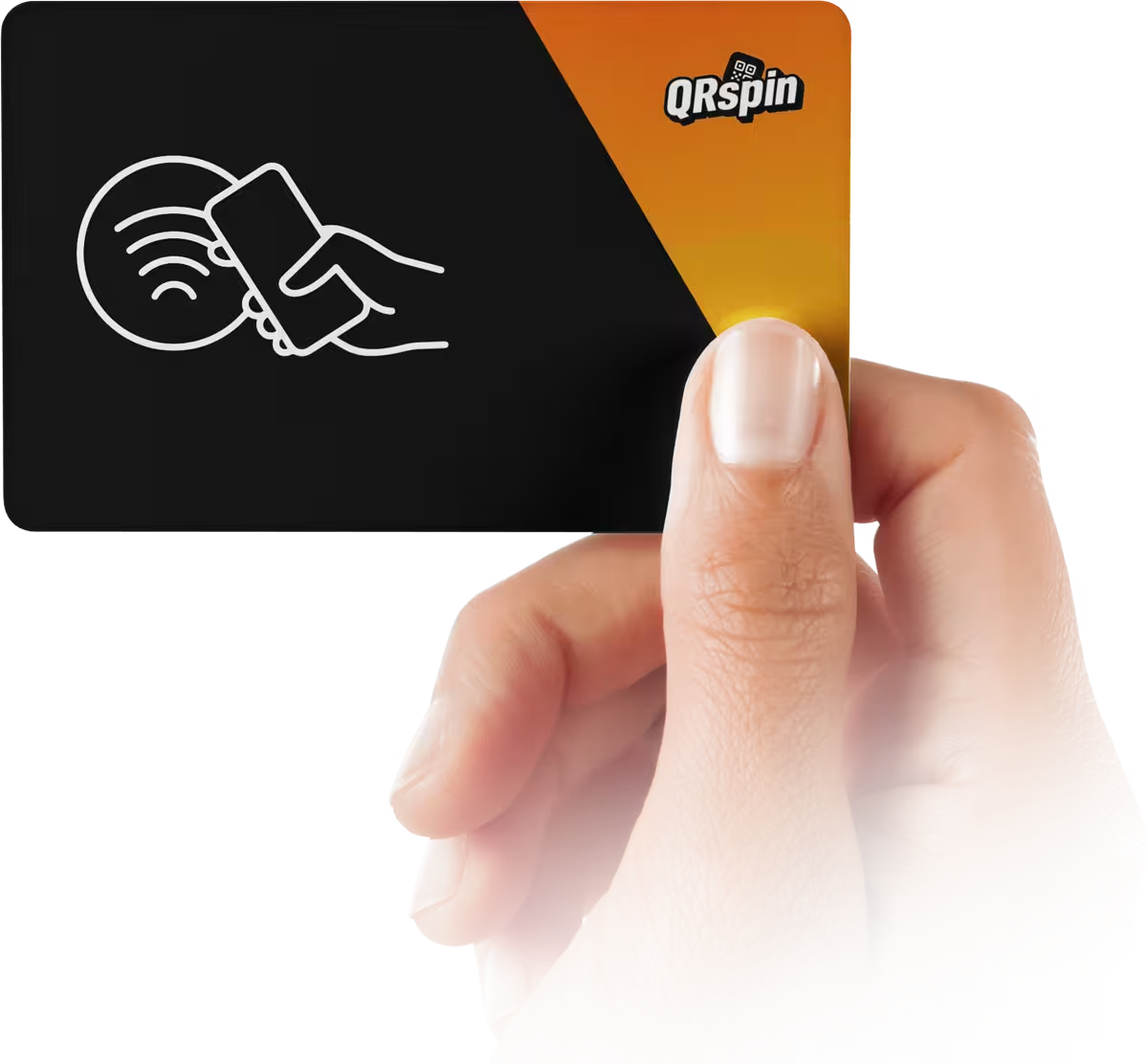
Tap the Customer's Phone to Add a Stamp
What Happens After You're Set Up
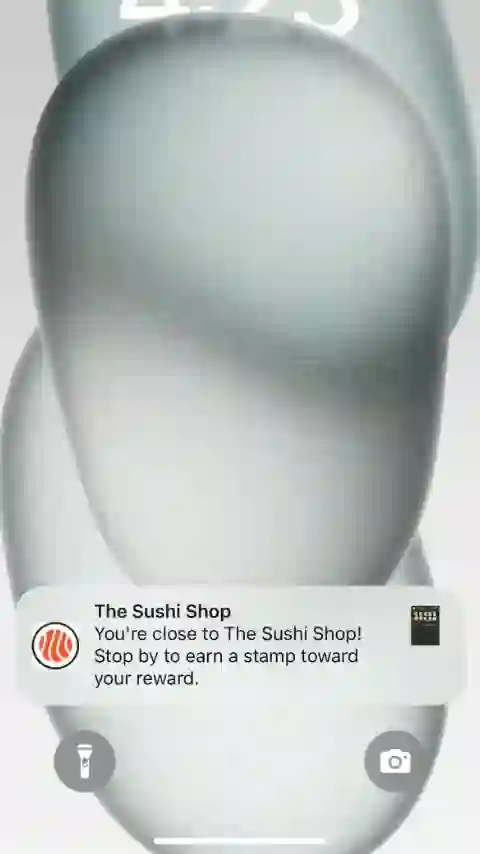
Your loyalty program runs itself. When customers come near your business, they get a gentle notification on their phone reminding them about your program. You don't have to do anything—we pulled your GPS location from Google, remember?
Your staff's job is dead simple: one tap to add a stamp, two taps to redeem a completed card or prize. That's it. No POS integration needed, no special hardware to buy, no separate system to learn.
Training Your Staff (Takes 60 Seconds)
Show them these two things:
Adding a stamp:
Tap the customer's phone once with the NFC card. That's it. The stamp is added instantly to their digital wallet.
Redeeming a reward:
Customer shows their completed card or prize? Tap their phone twice to validate and redeem. The system automatically marks it as used. No verification codes, no separate confirmation screens.
You're Not Doing This Alone
Our support team is available throughout your entire setup. Stuck on something? Not sure how to word your prize description? Can't decide on colors? Just reach out. We'll walk through it with you.
After you finish, we'll review everything with you to make sure it's configured exactly right for your business. Think of us as your setup partner, not just a software company.
The Bottom Line
You don't need to be tech-savvy to run QRSpin. You don't need expensive equipment. You don't need to change how you ring up customers or reorganize your counter.
You just need 20 minutes to set it up and a desire to reward the customers who keep coming back. Most owners tell us the hardest part was deciding which prizes to offer—everything else just flows.
Ready to get started? Let's do this.
Questions? Our team is standing by to help you get set up today.
